In order to link to a specific section of a WordPress.com article, you need to create an HTML anchor.
First, you’ll need to go to a specific page or article in WordPress.

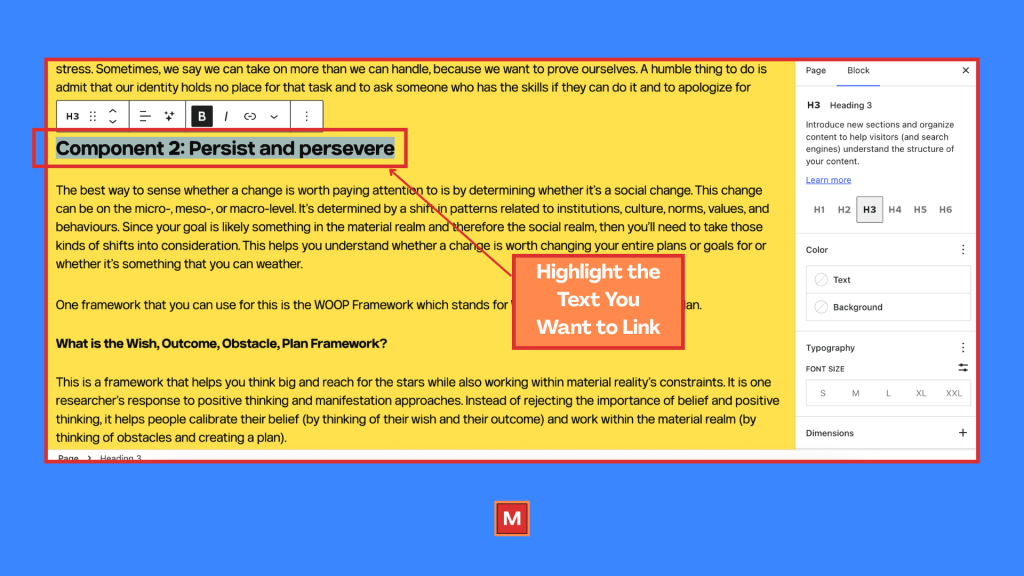
Then, you’ll need to select the word to which you want to attach your anchor.
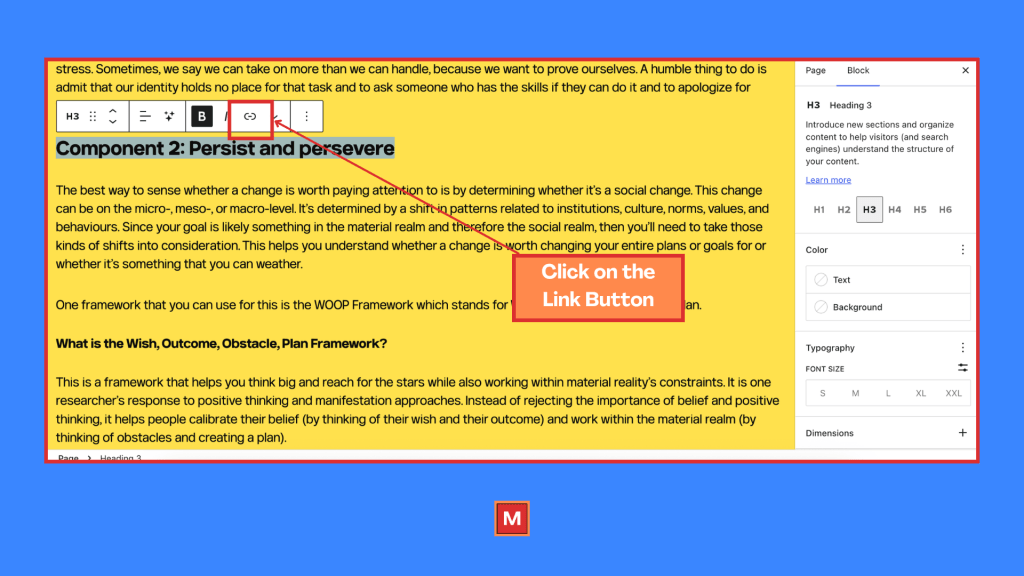
Then, you click on the little link button.
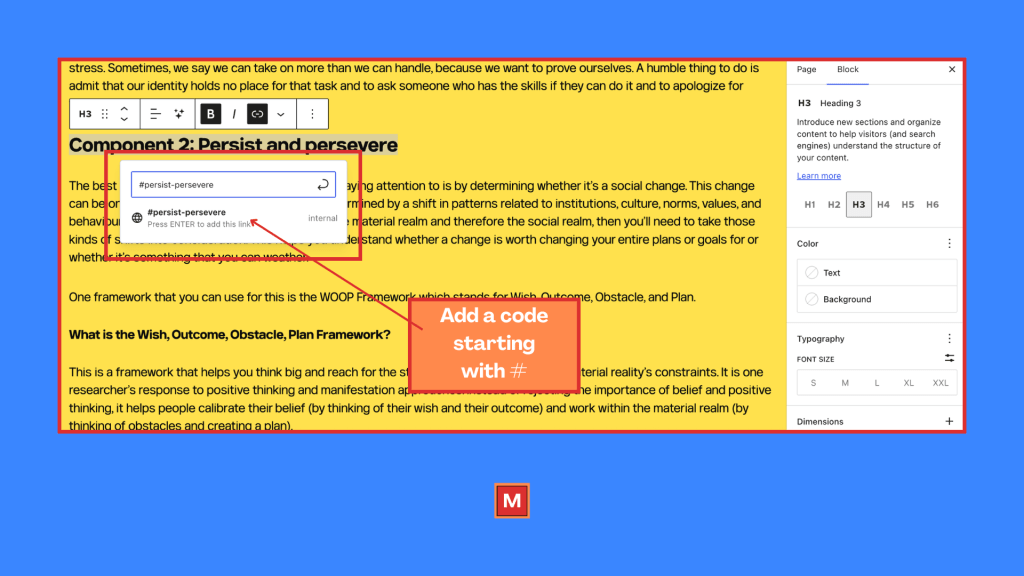
When you click on that, you’re going to have access to a text box. In this text box, you’ll need to create a code. Your code will need to start with the hashtag or pound symbol. I’ve chosen “#persist-persevere.”
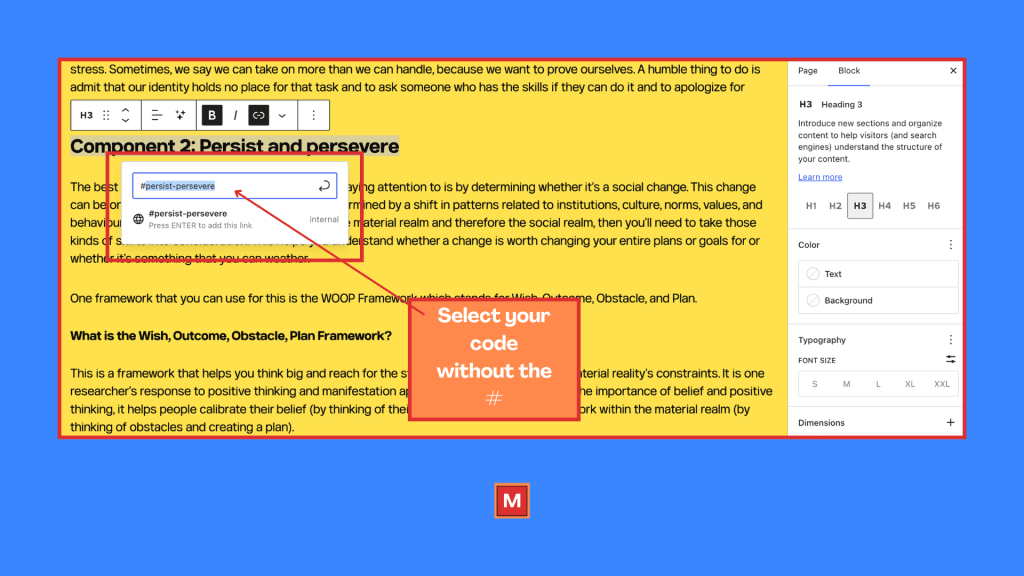
Next, you need to copy your code without the pound or hashtag and once that’s safely saved somewhere, you can click on submit.
Once you’ve published the content (or saved the changes to your existing content), you can go click on that section. You’ll get a URL that you can use in other content that directly links to that section.
 The Magnetized Man
Leave a comment